Prepare before your first session
Start by obtaining the current NEX G instructions for your market and arranging training appropriate to your needs. Keep the packaging and model information available. Read the guide before opening sterile components, and ask for clarification if the preparation or application sequence is unclear.
- Confirm the exact product model and supplied components.
- Request the validated display or app and compatibility information.
- Check that you have the instructions for your product version.
- Agree a backup monitoring plan with your care team.
- Write down how to contact product support.
The application overview: twist, then apply
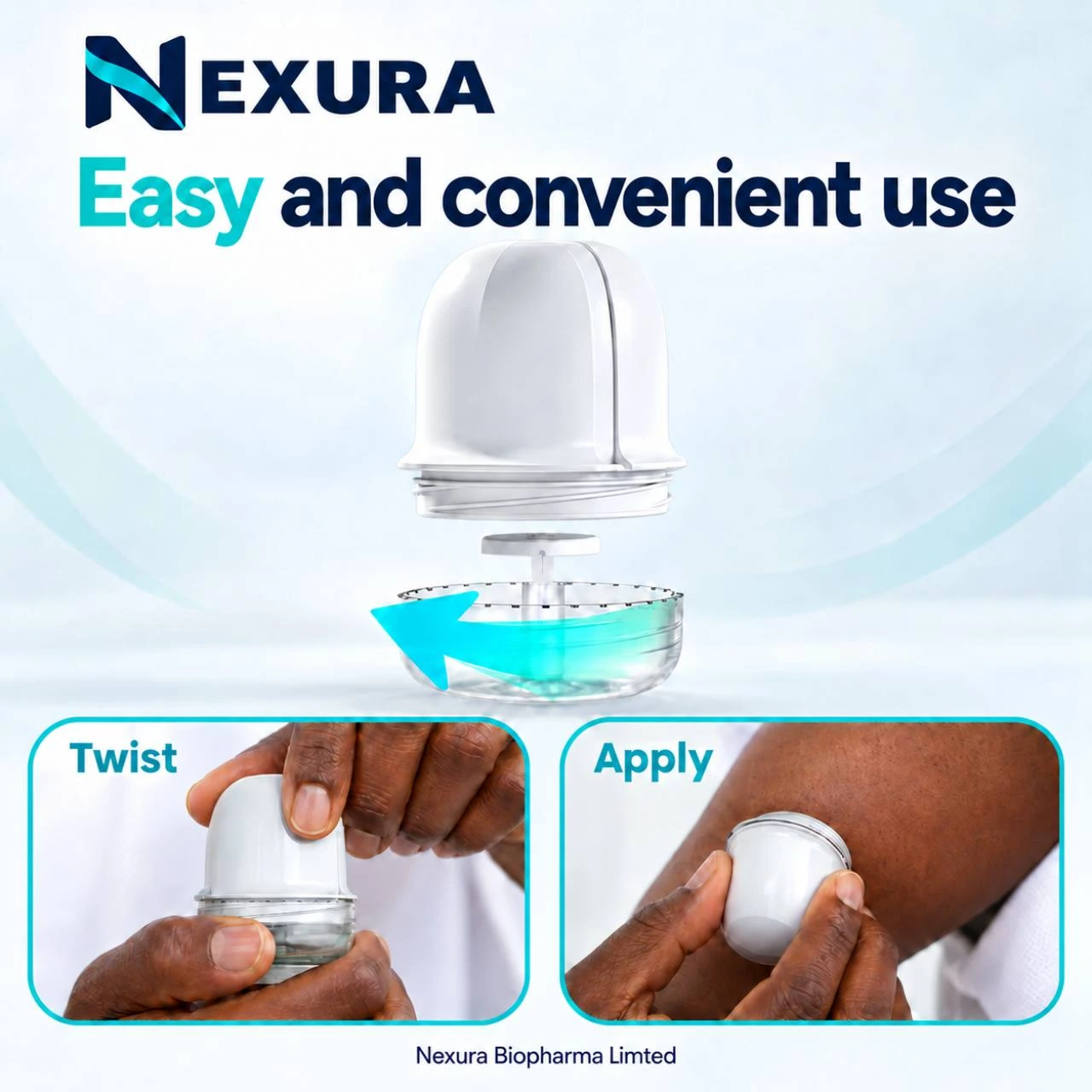
The supplied artwork gives a visual introduction to the applicator. It does not show every preparation, insertion, confirmation or disposal step. Do not treat the picture as a complete user guide; follow the instructions provided with NEX G and the training you receive.
Make training a practical conversation
Use the session to ask for a demonstration, then explain the sequence back in your own words. Ask the trainer to show you where to find the same information in the instructions.
- How do I confirm that the sensor has started?
- What should the display show while it is preparing?
- How do I check that data is current?
- What should I do if I cannot see a reading?
- Which steps apply at the end of a session?
Know where to go next
For device information, contact Nexura. For questions about targets, symptoms or treatment, contact your healthcare professional. The support page helps you prepare a clear product enquiry, and the safety page explains the difference between a technical problem and a health concern.
Request setup information